Search results for tag #haikuos

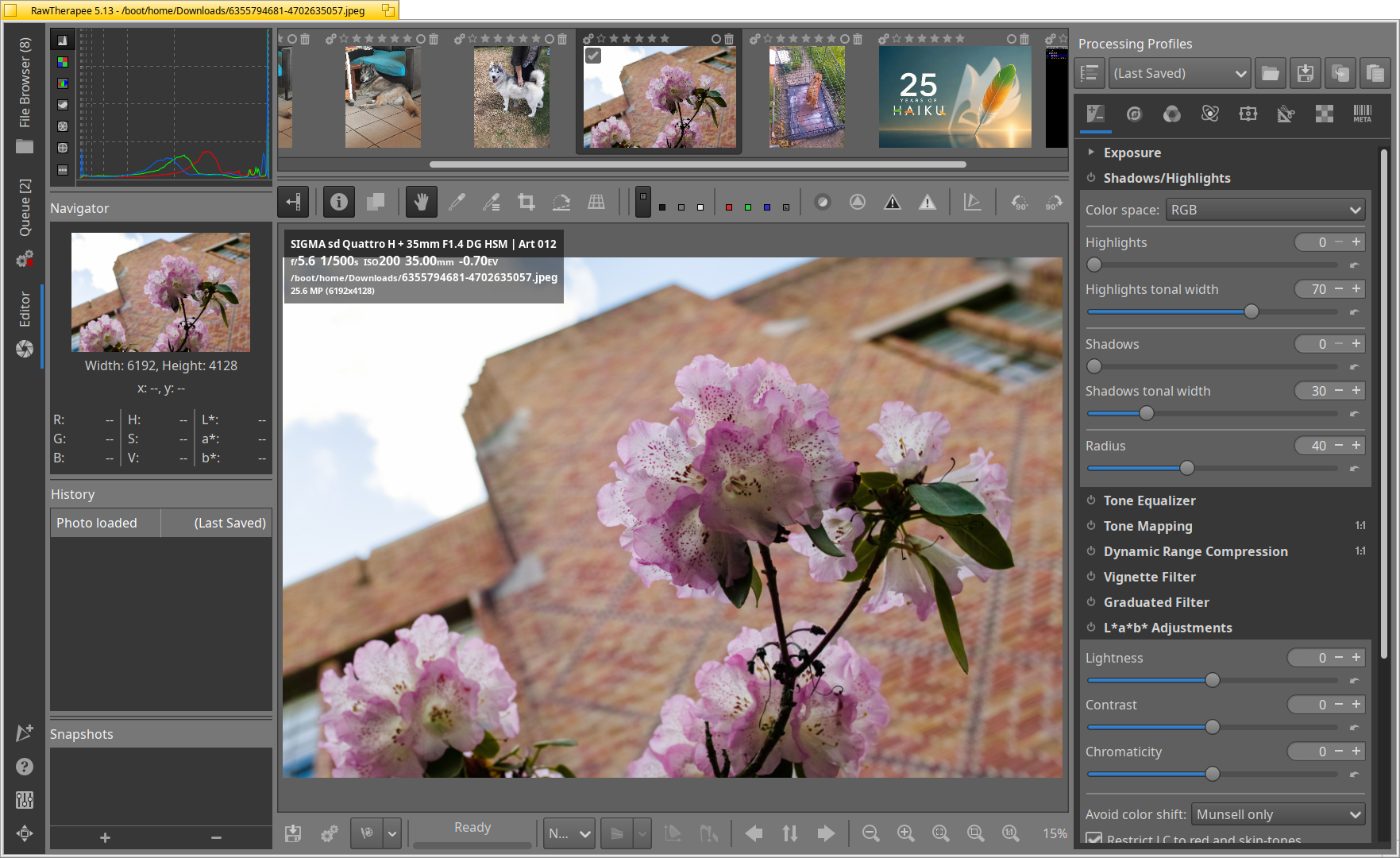
RawTherapee 5.13 released for Haiku 32bit and 64bit, enjoy! :)
#haikuos #haikuports #RawTherapee #digital #photo #editing #opensource #software #ports
Alt...
RawTherapee 5.13 running on Haiku R1B6 64bit.

 ꙮ🏡

Since Haiku released it's beta6 much has happened already that got into the nightlies.
We are still a small comunity and rely on donations to keep our only paid developer going.
So head over and see if you can make a donation, be it as small as it is, any help is appreceated!
https://www.haiku-os.org/
https://haiku-inc.org/donate
This helps us to get our packages updated for the future.
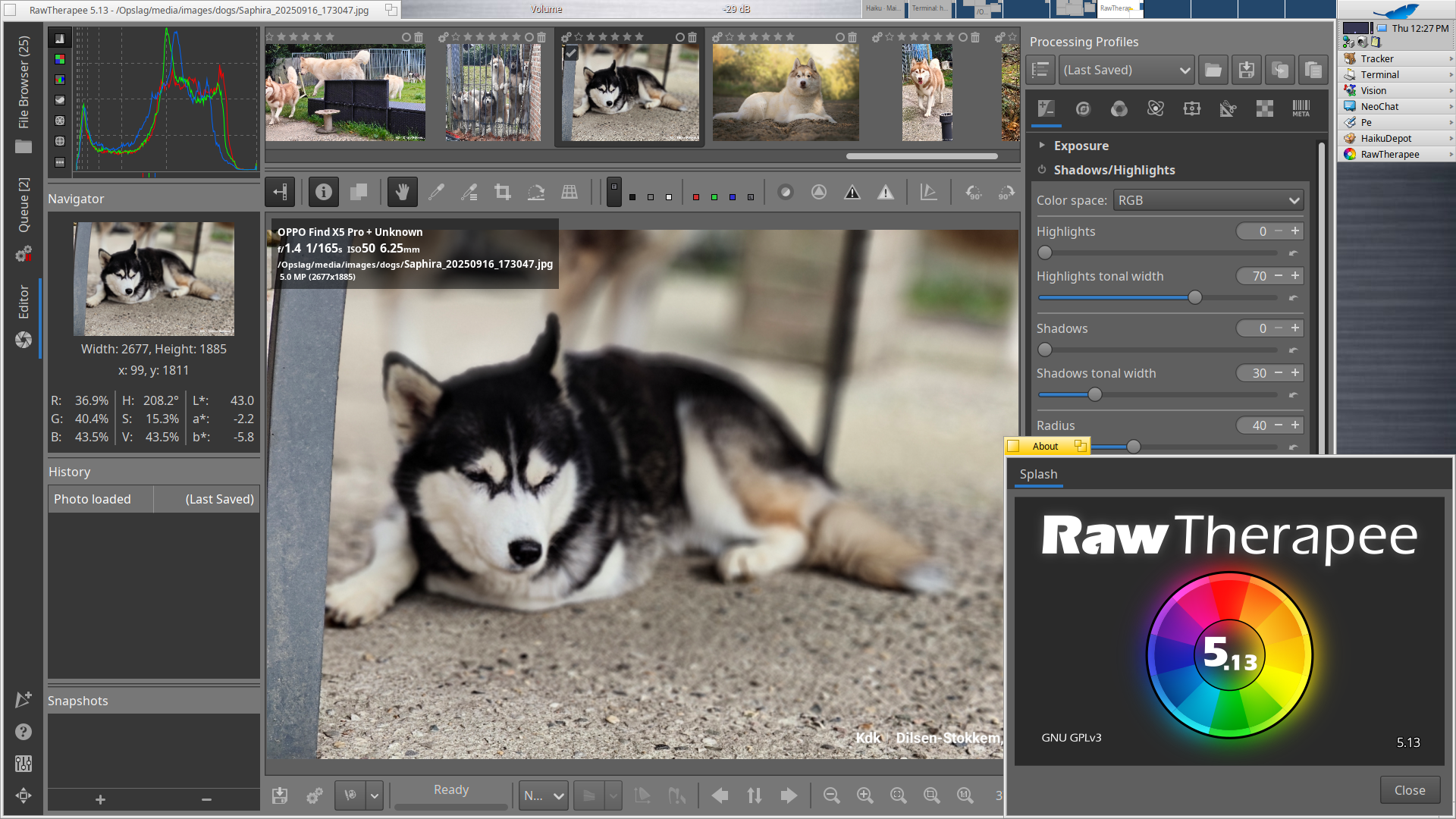
In the screenshot, upcoming update for RawTherapee 5.13.
#haikuos #haikuports #RawTherapee #opensource #ports
Alt...
RawTherapee 5.13 running on Haiku R1B6 64bit.

 PulkoMandy [if you don't know, use they/them] » 🌐
@pulkomandy@mastodon.tetaneutral.net
We had a coding sprint for Haiku last week, the report is just out: https://www.haiku-os.org/blog/pulkomandy/2026-11-10-gdansk_coding_sprint_report/
It was nice to see people I hadn't met in person for alrost 10 years, and also nice to meet some others for the first time!
I think we got a lot done (but that's what you'd expect from 6 developers working 16 hours a day for a week, I guess. Don't try this at home).
Command-line tiny (≈10k) utility for BeOS, Haiku or any POSIX system that prints the vendor name for a MAC address, using the IEEE OUI registry stored in own compact (≈1m) binary database
💾 /2 when compressed
https://github.com/princekropotkin/mac2vendor


Рядом лежит трёхгодишный недопиленный 7.94, который роняет haikuports и не собирается под #HaikuOS
но если очень попросить…

Saving private… file attributes
A near-detective storyA week ago I wrote a small program that uses pictures, which, following good old #BeOS tradition, I stored in file attributes. The program worked, so I put it online, having zipped it with Zip-O-Matic first. I always do so. I was looking forward to feedback, but there was none. Not a single reply. I took a look at the archive and saw that it was suspiciously small: the pictures alone should have taken about a megabyte. Where did they go?
After a few minutes of searching I was stunned: plain zip does preserve metadata attributes, but only up to 64k. My pictures were dropped. Silently. The Haiku documentation says nothing about this behavior
I started looking for an alternative. GNU tar? Yes, it supports xattrs, but not in BeOS/Haiku, where for some reason it is built without xattr support. Then there is libarchive. When I googled it, their LLM elbowed its way past the other links and began assuring me that Linux and MacOS X were supported, but BeOS attributes were not, and that someone would have to write a patch, and maybe then… With a sigh I downloaded and compiled libarchive, bracing for long and tedious work, but for some reason I asked the same LLM again: “Are you sure they’re not supported?”
“Oh, what are you talking about, they have been supported since 2018!” replied the same statistical machine. 🤷♀️
I started experimenting. I created an empty folder and attached a 1.4 MB picture to it (you can do this with addattr -t raw myPic -f /path/to/picture.png /path/to/yourFolder ). I ran bsdtar… and the attributes were archived! But in a strange manner: the file blew up to three times the size, 3.3 MB. Compressing it with bz2 helped, but it was still twice as big, 2.6 MB. A strange archiver, innit?
The investigation showed that by default bsdtar writes two copies of the attributes: the binary one, SCHILY, and the base64 one, LIBARCHIVE. The magic command to turn off the latter looks like this:
bsdtar --format pax --options pax:xattrheader=SCHILY -cf a.tar
.
Remembering that and typing every time is kinda boring, right? But at that point the archive size became normal, 1.4 MB (the picture was a PNG, so it didn’t compress any further). Finally.
Next I rebooted into the neighboring 32-bit partition and took the archive there, launched Expander and… got a folder of zero size. No attributes. I installed libarchive and libarchive_tools from HaikuDepot and unpacked it successfully in the CLI. Then I remembered that Expander is just a GUI wrapper that calls command-line archivers. In this case, tar. And tar was losing the attributes. Silently. I worked out the syntax of Expander’s rules file and set up proper unpacking. After that Expander unpacked our file successfully too. You can check that the attributes survived with listattr -l
.
Here is my rules file, located at ~/config/non-packaged/data/expander/rules/all:
"application/x-xz" .tar.xz "bsdtar -Jtvf %s" "bsdtar -Jxf %s"OK. We can unpack, now we need to pack. Back to Zip-O-Matic. It has no such rules file, but its source is open. It turned out that three main patches were enough: call bsdtar instead of zip, stop bsdtar instead of zip, and fix the counter, which was off by one. The rest of the code stayed the same, apart from small things. Only the name changed, so let’s call our archiver Tarball-O-Matic. It produces tar.xz files (which Haiku already supports) and preserves attributes even when they are larger than 64K. Oh, and let me remind you once more: it requires libarchive and libarchive_tools to work.
"application/x-xz" .txz "bsdtar -Jtvf %s" "bsdtar -Jxf %s"
"" .tar.bz2 "bsdtar -jtvf %s" "bsdtar -jxf %s"
So in about two hours a working solution appeared, reusing as much existing code as possible. Based on this experience, I have a few suggestions. For an operating system that aims to be as user-friendly as possible, it is very important to have a solution that works out of the box, without unpleasant surprises. I also think it is worth considering forcing the Haiku port of libarchive to disable LIBARCHIVE records and keep only SCHILY. The user guide should definitely get a warning about the limits of zip files. And, possibly, ZipOMatic in the main tree could be replaced with TarballOMatic.
PS. TarballOMatic is attached. Place it in in #HaikuOS source root, unpack and use jam -q TarballOMatic command and then install to ~/config/non-packaged/add-ons/Tracker/ as usual
Saving private… file attributes
Почти детективная историяНеделю назад я написал небольшую программу, которая использует картинки, которые, по старой традиции BeOS я положил в атрибуты. Программа работала, и я положил её в интернет, предварительно зазиповав через Zip-O-Matic. Я так делаю всегда. Я предвкушал отзывы, но их не было. Ни одного. Я взглянул на архив моей программы и увидел, что она подозрительно маленькая: там только картинок должно быть около мегабайта. Куда они делись?
Через несколько минут работы в поисковиках я был ошарашен: обычный zip позволял сохранять мета-атрибуты, но ограничивал их 64k. Мои картинки он выкинул. Молча. Про такое поведение в документации по Haiku ничего не сказано
Я начал искать альтернативу. GNU tar? Да, поддерживает атрибуты. Но не в BeOS/Haiku, почему-то она там собрана без поддержки xattr. Ещё есть libarchive. При запросе в google, грудью вперёд, раздвигая другие ссылки, вылезла их LLM и начала уверять, что Linux и MacOSX — да, а BeOS-атрибуты не поддерживаются, надо писать патч, тогда может быть. Вздохнув, я скачал и скомпилировал libarchive, настроившись на долгую и нудную работу, но зачем-то переспросил ту же LLM: «а точно ли не поддерживаются?»
— Ну что вы говорите, поддерживаются ещё с 2018 года! — ответила так же статистическая машина. 🤷♀️
Я начал экспериментировать, создал пустую папку и прикрепил к ней картинку 1,4мб (вы можете это сделать с помощью addattr -t raw myPic -f /path/to/picture.png /path/to/yourFolder). Запустил bsdtar… И атрибуты заархивировались! Но заархивировались как-то странно: файл раздуло в 3 раза, он стал 3,3мб. Сжатие его bz2 уменьшило, он стал больше всего в 2 раза, 2,6 мб. Странный архиватор, не правда ли?
Расследование показало, что bsdtar по умолчанию лепит 2 экземпляра атрибутов: бинарные, SCHILY и base64, LIBARCHIVE. Волшебная команда на отключение последних выглядит так:
bsdtar --format pax --options pax:xattrheader=SCHILY -cf a.tar
Запоминать и набирать каждый раз это немного муторно, правда? Однако на этом этапе размер архива стал нормальным, 1,4мб (картинка была png, поэтому уже не сжималась). Наконец.
Дальше я перегрузился в соседний 32-битный раздел, взял файл с архивом, запустил Expander и… получил папку нулевого размера. Без атрибутов. Я поставил libarchive и libarchive tools из haiku depot. И распаковал успешно в CLI. А потом вспомнил, что Expander — это просто GUI-оболочка, которая вызывает CLI-архиваторы. В данном случае tar. Tar терял атрибуты. Молча. Я разобрал синтаксис файла настроек Expander и настроил правильную распаковку. Expander после этого также успешно распаковал наш файл. Проверить целостность атрибутов можно командой listattr -l
Вот мой файл с конфигурацией, он находится: ~/config/non-packaged/data/expander/rules/all
"application/x-xz" .tar.xz "bsdtar -Jtvf %s" "bsdtar -Jxf %s"Ок. Распаковали, теперь надо запаковать. Вернёмся к Zip-O-Matic. У него нет такого файла настроек, но есть открытые исходники. Оказалось, что достаточно сделать главным образом 3 патча: вызов bsdtar вместо zip, остановка bsdtar вместо zip и поправить счётчик — он считал на единицу меньше, чем надо. Остальной код остался тем же, не считая мелочей. Только изменилось название, давайте назовём наш архиватор Tarball-O-Matic. Он делает файлы tar.xz (они в Haiku уже поддерживаются), сохраняя атрибуты, даже если их размер больше 64К. Ах да, ещё раз напомню: требует для работы libarhive и linarchive-tools
"application/x-xz" .txz "bsdtar -Jtvf %s" "bsdtar -Jxf %s"
"" .tar.bz2 "bsdtar -jtvf %s" "bsdtar -jxf %s"
Таким образом, примерно за 2 часа появилось готовое решение с максимальным использованием существующего кода. В связи с этим опытом, я имею несколько предложений. Для операционной системы, стремящейся быть максимально дружелюбной к пользователю, очень важно иметь работающее из коробки решение без неприятных сюрпризов. Кроме того, думаю, стоит рассмотреть в haiku порте libarchive принудительно отключить создание LIBARCHIVE записей, оставив только SCHILY. И обязательно дополнить документацию пользователя предупреждением об ограничении zip файлов. И, возможно, замена ZipOMatic в основном коде на TarballOMatic.
PS TarballOMatic прилагается. Распакуйте его в корне исходников #HaikuOS и запустите команду jam -q TarballOMatic и поставьте в ~/config/non-packaged/add-ons/Tracker/ как и следует
PSS также исходник и бинарник выложили на кропоткинский гитхаб

Правда, важный момент, надо отключить LIBARCHIVE, иначе он их дублирует в base64 и архив раздует в 3 раза. Оставить только SCHILY. Примерно так:
bsdtar --format pax --options pax:xattrheader=SCHILY -cf a.tar *


 не сделали поддержку фонов в list mode
 #Tracker ?
А вот почему: они решили, что проще и быстрее закрашивать одним цветом. При попытке вставить фоновую картинку, она начинает рваться / сжиматься гармошкой
Почему разработчики #HaikuOS это не починили за четверть века? Вот интересный вопрос, да. Возможно, не хватало рук?


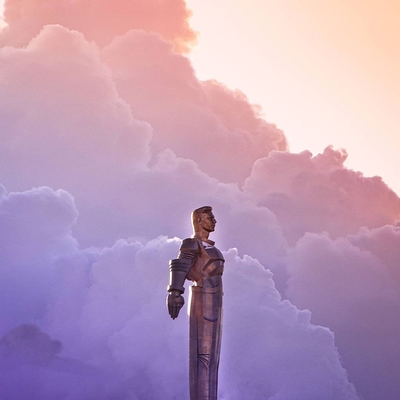
looncraz делает композитинг для #HaikuOS
Наконец-то!
https://www.reddit.com/r/haikuOS/comments/1xkqnul/compositing_app_server_public_test_3/

Если из Haiku.hpkg выкинуть всё ненужное говно, вроде драйверов (особенно WiFi) и языков, она похудеет весьма заметно. У меня вот уже на 20% (37 → 29 мб). И перекомпиляция не нужна совсем!


RenkuOS, the Haiku fork, published its first activity report: 150 merged pull requests from 15 contributors between September 3 and October 30, 2026. Highlights: isochronous USB rework on all four host controllers, a new USB audio driver with UAC2, MediaTek MT7920/MT7921 WiFi, eMMC support, Raspberry Pi 4 on arm64 via UEFI. Our write-up: https://www.desktoponfire.com/renkuos/1035/renkuos-150-pull-requests-haiku-fork/ #HaikuOS #RenkuOS #OpenSource

Не знаю, как кому, а мне настроение создаёт
🎃 👻 💀🕷️🪦
#хелловин #halloween #helloween #haikuOS #screensaver #lafolampo

by #lafolampo
You can get it right here, right now, enjoy 🎃
Attachment: https://liilliil.ru/i/s/post-71420d16e7d76fc84cfe266d75ecfa79.zi...

Alt...
Screensavers panel in Haiku OS with preview

- работает сканер пальцев
- обнаружен акселерометр, показания считываются, но пока без практической пользы
- заработали дополнительные кнопки, в частности ThinkVantage
- подсветка thinklight
(пока включается только по клавиатуре, но хотелось бы больше возможностей. почему бы ей не помигать морзянкой, например)реализовано тоже
- система геолокации
- с помощью libreboot ускорить загрузку системы, и без того довольно быструю. если удастся перенести часть системы в ROM — вообще отлично
- bluetooth пока работает через жопу
- не крутился чайник
- не регулировалась яркость
Пиу!
При этом все F1—F12 свободны. А то я замумукался в mc набирать esc+0 и тому подобную мерзость 🤢
На сей раз написал драйвер под #HaikuOS для вон тех смешных дополнительных кнопычек. Теперь с них можно регулировать громкость звука, как оно и было задумано (а в #Lubuntu не работает, гы). А можно не регулировать. Можно на каждую повесить батник, который будет делать какие-то другие нужные дела. Например, посылать через hey сообщения окнам и программам и управлять ими всяко. Скриптинг тут ещё со времён #BeOS …


DO NOT USE #WIGLE ! NEVER! THEY’RE MORONS
Хотел использовать в моём прототипе геостека для #HaikuOS определение геоположения через них (определение по сетям #wifi ). Эти бляди подсовывали через API откровенный мусор: по их мнению мой роутер находился посреди Тихого океана, соседские были разбросаны по планете, как Бог на душу положит. Написал им вежливое письмо, попросил объяснить в чём дело. Вместо ответа мне просто удалили аккаунт
I'm so happy! I wanted to announce to the whole world that I managed to get #HaikuOS up and running on the good old legendary #ToshibaAC100 laptop equipped with an #ARM CPU!
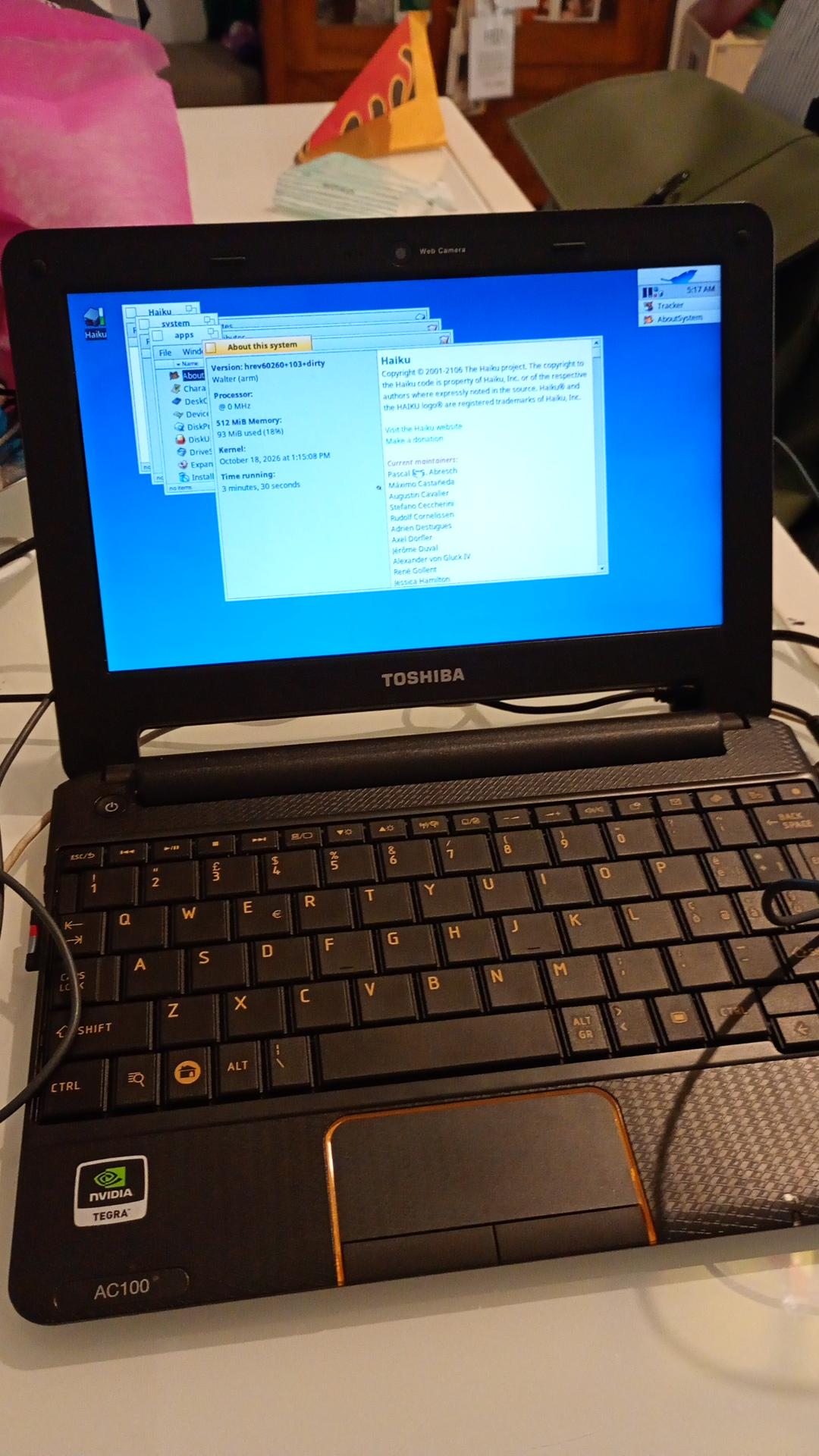
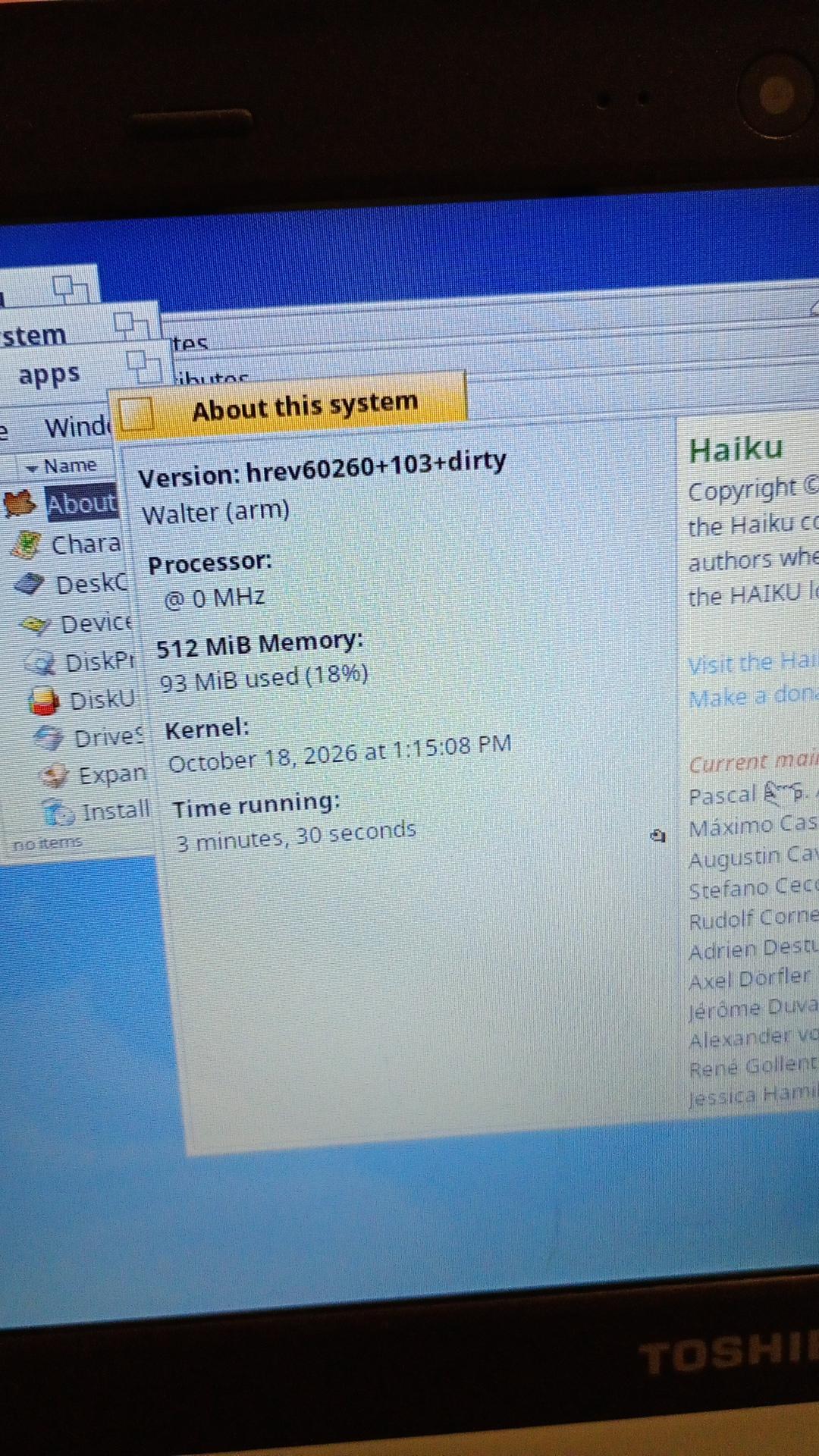
Но в сорцах есть два дополнительных декора!

Чайник у нас не крутится, видите ли. А под VESA всё ок 🫖
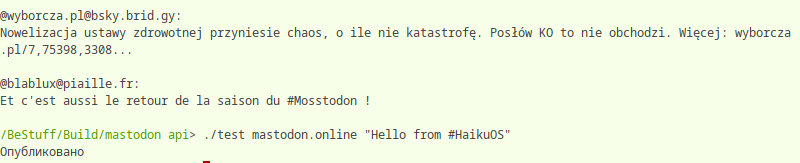
Осталось понять как загружать в это ваше сраное депо
Attn: @amazing_hussein@mastodon.social

Итак, на текущий момент под Хайку у нас собрана последняя библиотека для работы с отпечтками пальцев fprint для linux. В процессе поймано 3 бага, отчёты авторам отправлены. Работает приложение, оно сохраняет отпечатки и проверяет. Сохраняет BeOS-way, в атрибуты
Не все сканеры пальцев одинаковые
На этом #Thinkpad #T60,с которого я пишу этот псот, сканер щелевой, его надо гладить пальцем, чтобы он его считал. Вот он сейчас работает. И у него есть один большой недостаток — он помнит лишь один палец. На iPad mini 4 и mini 6, с которыми я прожил последние годы, сканер сделан иначе: там 2D матрица и к ней достаточно палец приложить. Может хранить несколько пальцев и достаточно приложить любой, сканер их помнит. Кроме того, можно реализовать интересную фунциональность, когда приложив определённый палец можно переключить контекст на машине. Или показать куклу особо любопытствующему тащ-маёру. В общем, мне хотелось бы иметь вот такой сканер для дальнейшей работы. Он должен подключаться через usb и подерживаться #libfprint. Сейчас рынок завален китайскими сканерами для Windows Helo по цене ≈1000р на базе Chipsailing,но это не совсем то, ибо за них палец распознаёт сам компьютер, а я хочу аппаратный👆

Alt...
Тестовое приложение для работы с #libfprint


#libfprint на #haikuOS собралась и работает (а та старая (тоже 0.7.0) версия, что в HaikuDepot — нерабочая)
Попробую собрать поновее
🗝️💋

Alt...
Сканер отпечатка пальца нас опознал
То же самый #скринсейвер (чуть упрощённый на самом деле), но с другими цифрами, и — voila! цирковой трюк! Цифры меняются в файловых атрибутах #BeOS, перекомпиляция не нужна, можно сделать свой вариант
А тут наши любимые битлы шлют приветы из моря Времени, приближаясь к своим заветным 64
#lafolampo #creative #haikuOS #yellowSubmarine #theBeatles #screensaver


А теперь он и для #haikuOS
Пришлось пойти на ряд упрощений: убраны звёзды, снижены скорость и разрешение. Ибо у его opegGL требовался 3.3, а где бы мне его тут взять? Но зато теперь больше похоже на реальное сияние, чем у автора


#HaikuOS, насколько понимаю, эту возможность до сих пор нигде и никак не использует, в архитектуре системы она не предусмотрена. А я тут драйвер портанул и он работает (на самом деле история заняла полдня, чтобы его запустить, штатный драйвер в Linux выдавал мусор, #иишница гугла прямо писала «не парься, пацанчик, ноутбук старый, сенсор сломан», но нас так просто не возьмёшь, пришлось поломать голову, найти рабочий и…)
См. видео: я наклоняю ноутбук вперёд-назад, точка в прицеле движется
Счёт соответствует времени. В конце минуты слева пропускается мячик. В конце часа — справа
порт #OSX→ #HaikuOS (на самом деле не порт, ибо исходника не было, написано с нуля по мотивам)
#lafolampo #creative #pong #retrogames


#screensaver #haikuOS #lafolampo #creative #asciiArt #asciiquarium


Второй раз работаю со швейцарскими эфемеридами: фаза Луны, планеты по зодиаку, как в юзеринфо у @liilliil@flipboard.social
🌜🌑🌛
С новолуньем, пёсьи дети!
#астро #луна #новолуние #астрология #зодиак #астрономия

Alt...
Рождение новой Луны и новой программы удивительно совпали

Alt...
Планеты по зодиаку


16 — иконка 32х32 в стиле BeOS
17 — штатный thumbnail, сделанный #Tracker
19 — #thumbnail сделанный по уму
В целом, конечно, все три общее впечатление передают. Но… но…

Они мегаохуенные и психоделичные
thanks to @mayoff@mastodon.social


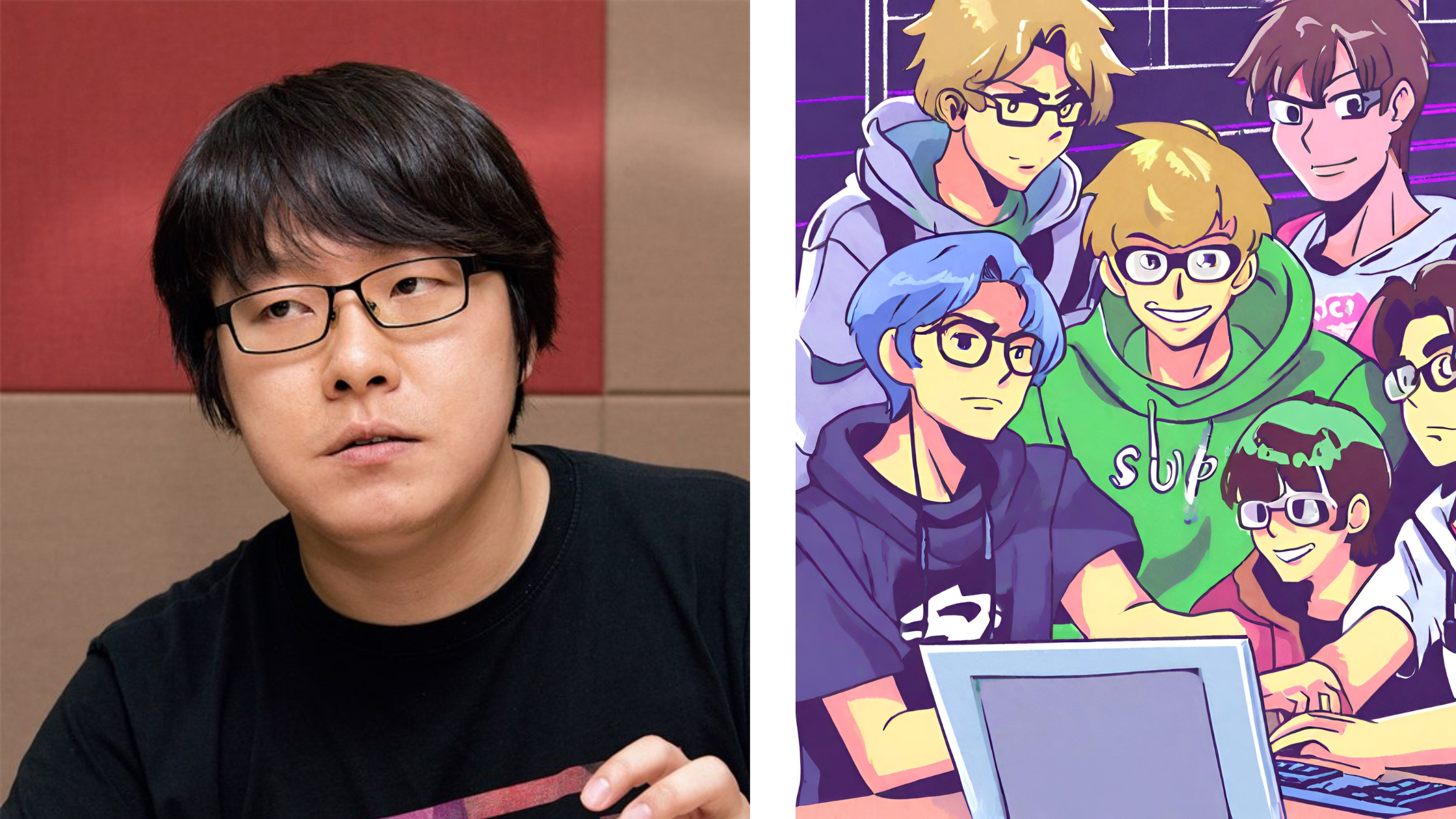
New interview on Desktop on Fire: Lee JunHaeng (rainygirl), Seoul-based developer, patched Haiku OS to run at full speed on a Sony VAIO P netbook (1600x768 display, Atom Z-series CPU), fixing a non-standard SCH chipset and a disabled second core. He also discusses Haiku's near-absence in South Korea's tech culture and his plans for Haiku on PowerPC via the Tabby project. https://www.desktoponfire.com/interview/1020/haiku-os-sony-vaio-p/ #HaikuOS #BeOS #OpenSource
Alt...
New interview on Desktop on Fire: Lee JunHaeng (rainygirl), Seoul-based developer, patched Haiku OS to run at full speed on a Sony VAIO P netbook (1600x768 display, Atom Z-series CPU), fixing a non-standard SCH chipset and a disabled second core. He also discusses Haiku's near-absence in South Korea's tech culture and his plans for Haiku on PowerPC via the Tabby project.
Haiku, у него другой формат). Иконка присваивается файлу самой картинки, если явно не указан иной файл-донор. И до кучи сделал #Tracker add-on, который её вызывает на радость юзеру.Да, я вспомнил, что уже была программа с таким функционалом в старой BeOS, я ей пользовался. Будет ещё одна, я тренируюсь

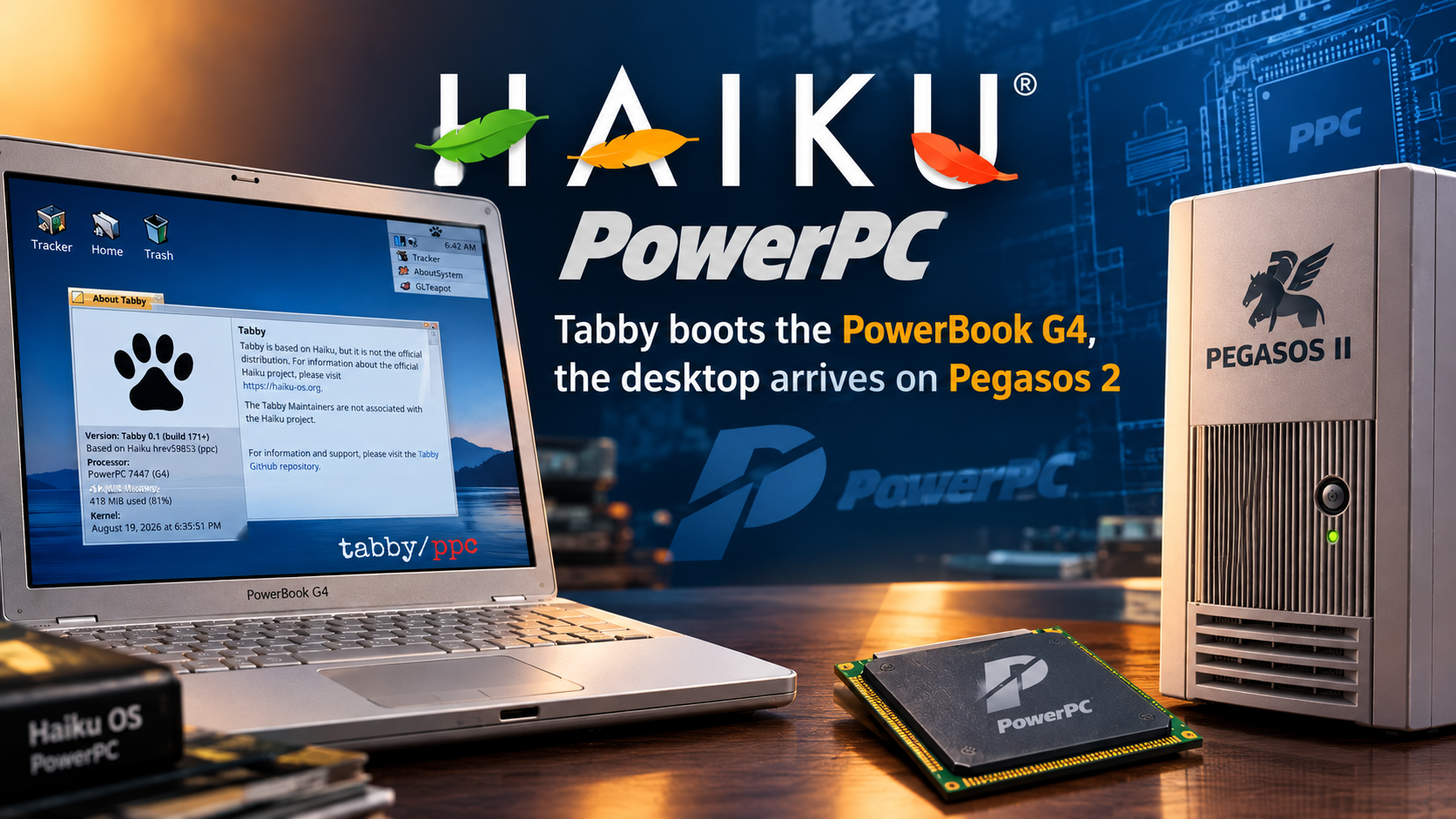
Haiku OS PowerPC: the Tabby build is moving on two fronts.
On a PowerBook G4 12", USB boot works, but only through the CHRP bootblock, calling a 250-byte ofboot.b. Launching haikuloader.elf directly returns a CLAIM error.
On a Pegasos 2, Haiku reaches the desktop on real hardware, so Tabby's approach isn't tied to Apple's Open Firmware quirks.
Still open: a panic in vfs_mount_boot_file_system on disk boot, and clean shutdown.
https://www.desktoponfire.com/haikuos/hardware/1008/haiku-os-powerpc-tabby-powerbook-g4-pegasos-2/
#HaikuOS #PowerPC #retrocomputing
Alt...
Haiku OS PowerPC: Tabby boots the PowerBook G4, the desktop arrives on Pegasos 2
Hi from #haikuOS 64-bit
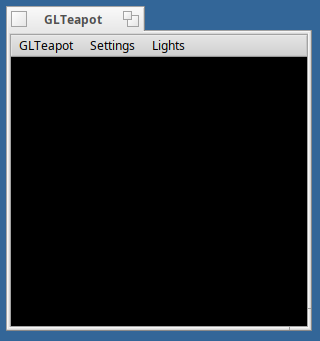
глюки практически те же: чайник не крутится, сеть еле пользает, bluetooth не видим. в #WebPositive нет прозрачности и сглаживания картинок. да что там сглаживание, выделения текста не видно! разве что кнопки у #Tracker нормальные
Upd: кнопки нормальные были только в live-версии, после установки их тоже popierdoliło :(
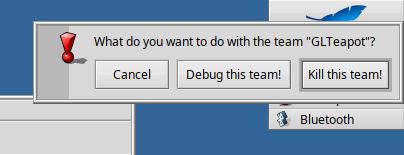
Сам, #иишница отдыхает. Проверка кликабельности ссылок и прочая лабуда…

Функционал простейший: берёт из собственных файловых атрибутов картинку и показывает на чёрном фоне по центру экрана. The #screensaver
Наконец-то чёрная полоса заканчивается и выученная беспомощность потихоньку отпускает, доволен собой до усрачки


Но:
- работает WiFi, есть auto connect, через user script 😝 (BlueTooth нет)
- дефолтный браузер #webpositive, в принципе, работает, хотя под себя отнимает одно ядро зачем-то
- самое пиздатое — 0,6% cpu в idle, давно таких цифр не видел
- холодный старт 15 секунд (без SSD)— тут даже sleep mode не нужен
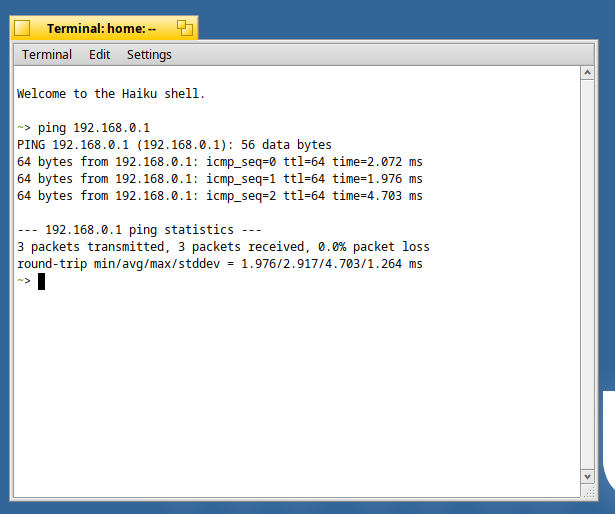
Я ПОБЕДИЛ ЕЁ!
сколько ж ты, блядина, мне ебала мозги! Ведь специально ноут под неё купил. Юлька ездила его забирать, когда Пригожин к Москве рвался. Я сказал «хватай ноут и тикай с Москвы как можно скорее!» Почему? Потому что хорошо помню и 1991, и 1993
Alt...
Haiku OS first boot on Thinkpad T60
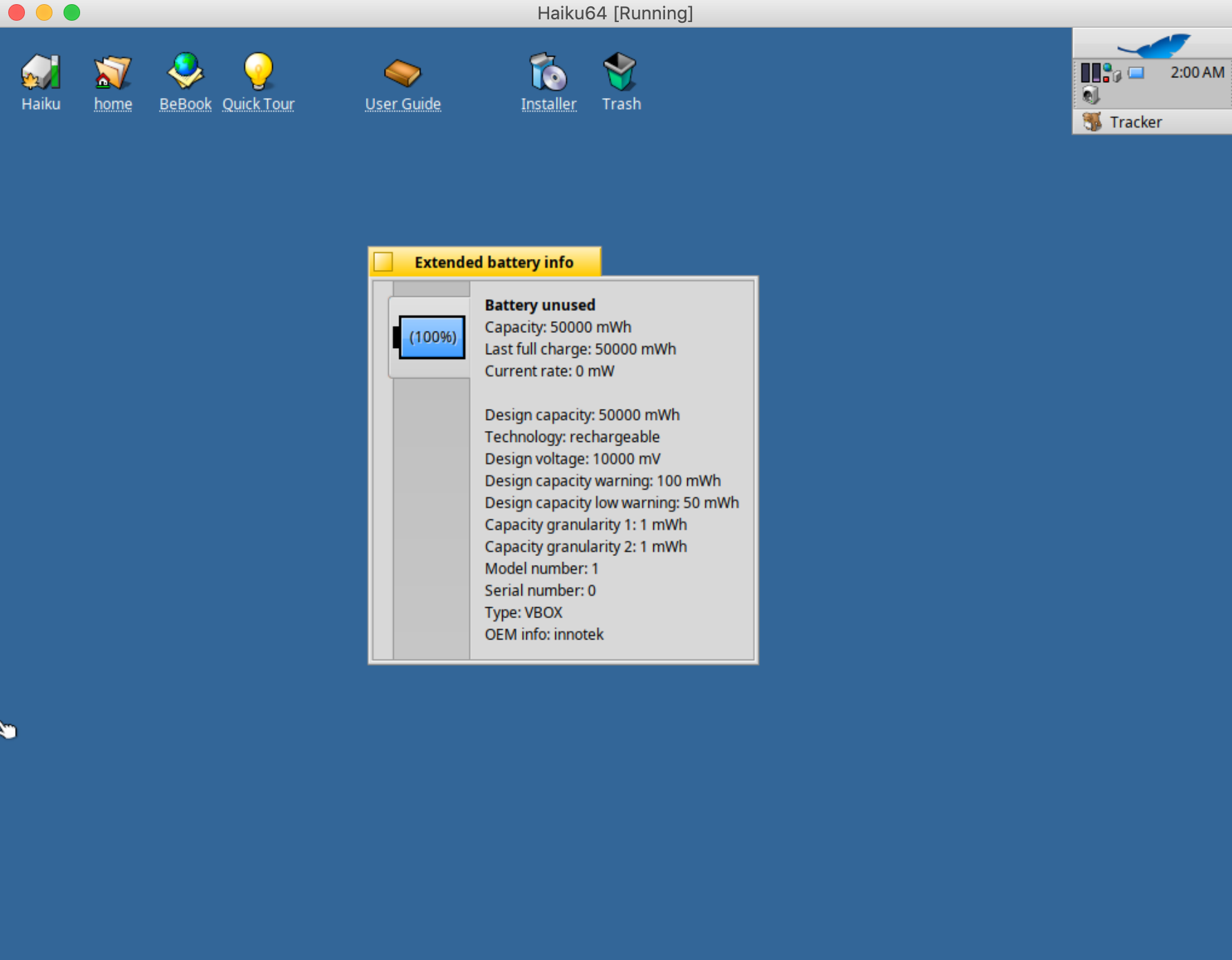
Поставил #haikuos в эмуляторе. Она откуда-то нашла там батарейку!
Попробовал настроить почту. Получить смог, отправить — нет. Порт SMTP настроить нельзя. s/MIME не поддерживается. Address book/people при наборе адреса не подтягивается
список можно продолжать…
I'm considering making a new batch of DVDs for the #HaikuOS beta 6 release. Last time I did this (for beta 1) I ordered 1000 DVDs and then I had a stock of outdated DVDs that no one wanted.
This time there is a poll to see how many people are interested. If I can order 300 DVDs or more, they will be real, pressed ones. Otherwise they will just be DVD-R, and I may not bother doing it.
Cost will be in the 5 to 10€ range (shipping included)
https://discuss.haiku-os.org/t/limited-edition-haiku-r1-beta-6-dvd/19768
Would you buy a DVD?
| DVD in a cheap cardboard sleeve: | 1 |
| DVD in a fancier cardboard sleeve: | 10 |
| I don't want a DVD: | 22 |
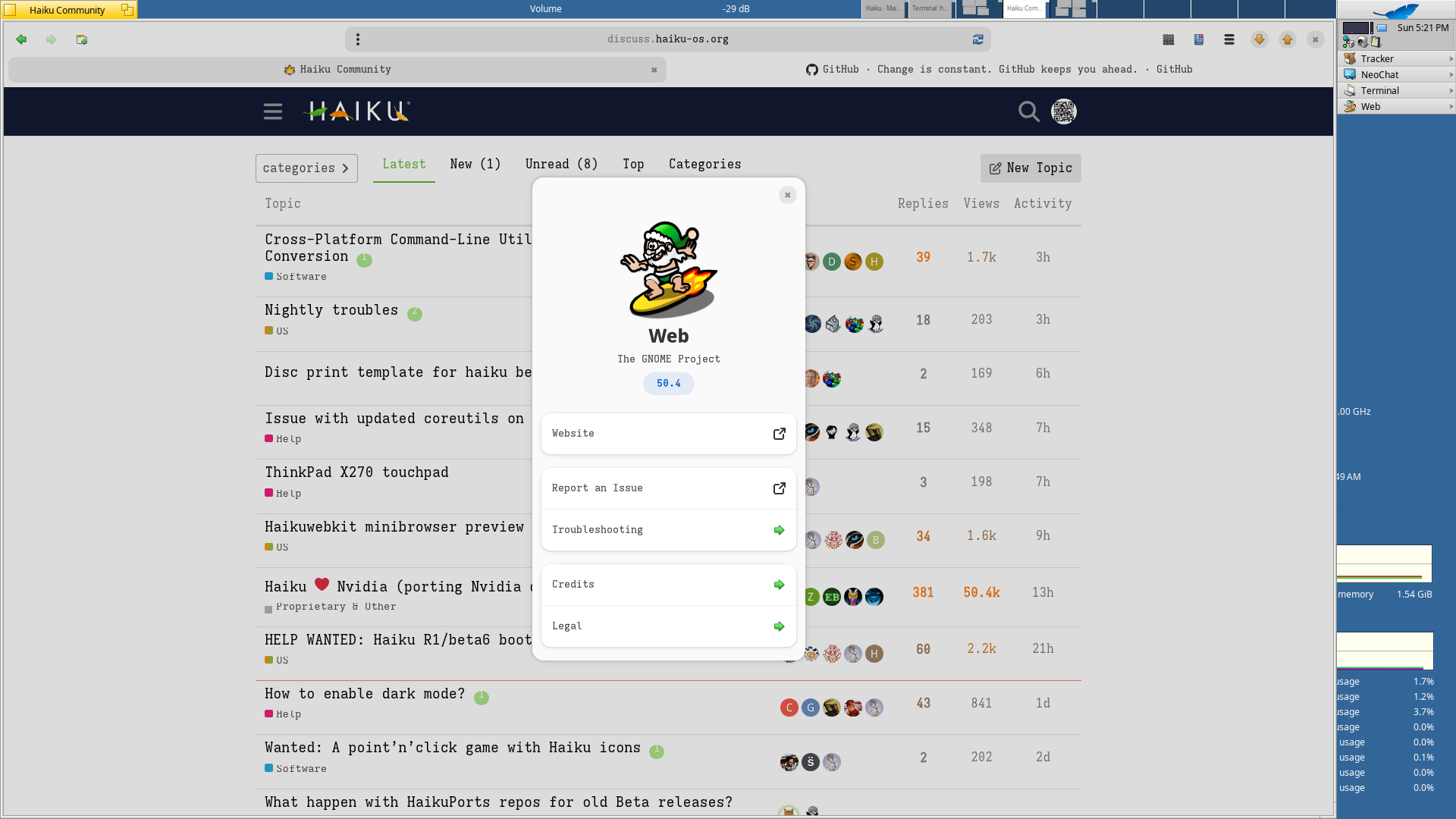
Update on Haiku, webkit-gtk 2.52.2 has been fixes and released by @3dEyes, with this patch I was able to build it for GTK4 and thus far got Epiphany 50.4 up and running (the latter not released to the public).
Epiphany (Web) 43.1 is fixed also and available for 64bit again.
@3dEyes also got us a official Firefox port!
#HaikuOS #haikuports #epiphany #firefox #opensource #software
Alt...
Epiphany 50.4 with webkit-gtk4 backend running on Haiku 64bit.
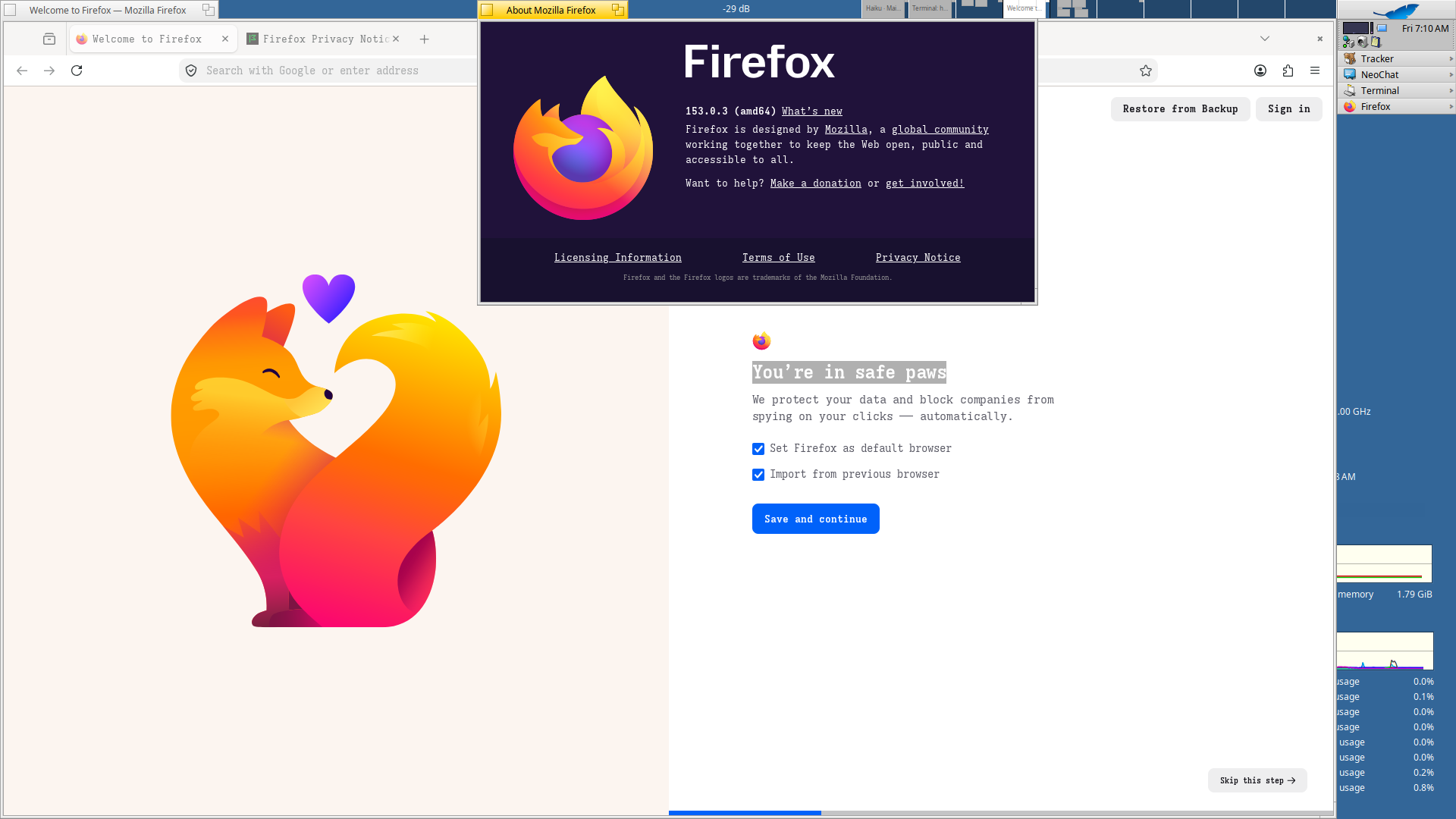
Alt...
Firefox 153.0.3 running on Haiku 64bit.
The (almost) untold story of the Haiku logo
Do you know who originally designed the Haiku logo and how it changed over the years?
There’s a fresh article that covers its origins, the refinements made by Stippi, and some behind-the-scenes details you don’t usually read about.
https://www.desktoponfire.com/haiku_inc/957/haiku-os-logo-history/ #haikuos
Фоточки ѿ @ActionRetro с загрузкой его форка #haikuOS (назвал tabby) на #powerPC
бля, у мя веть тоже был #iBook, но я иво сломал :(
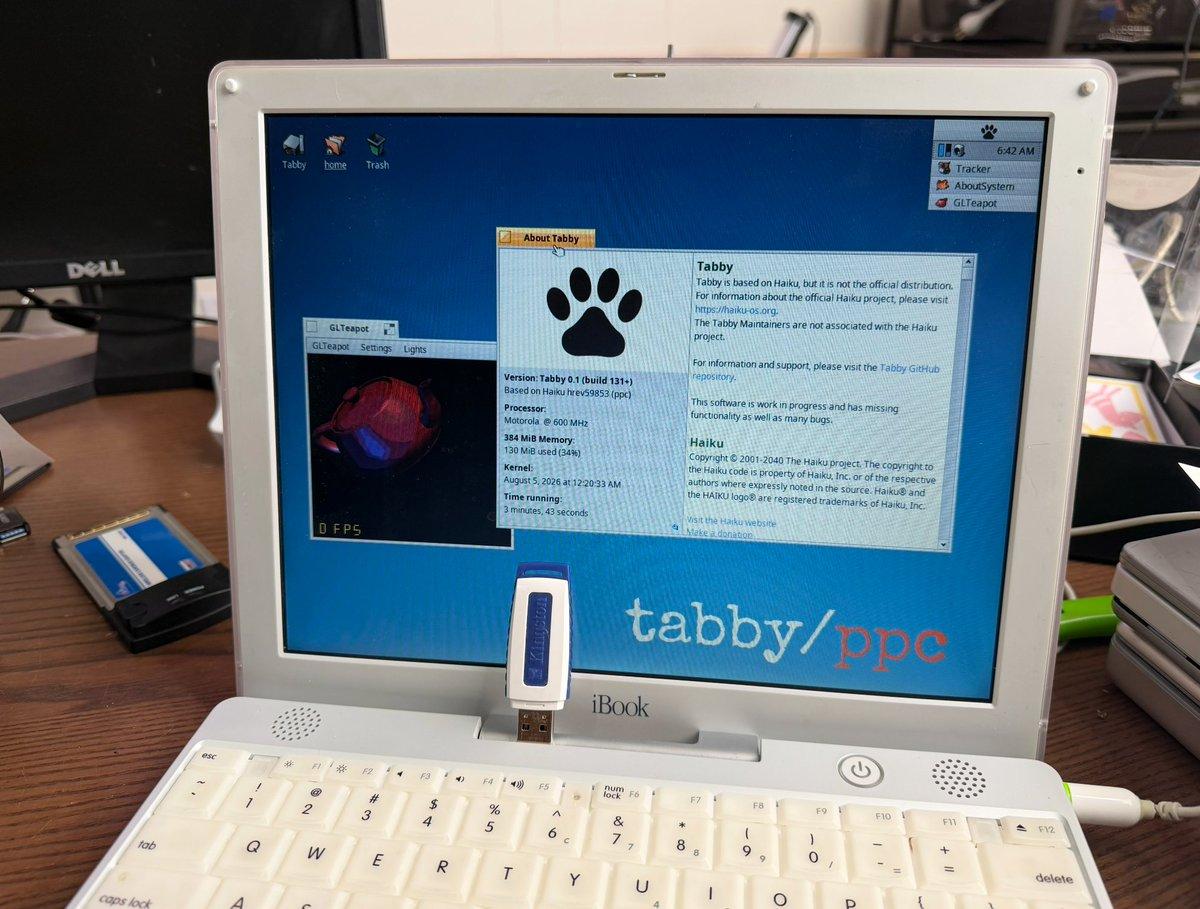
Чочочо? #HaikuOS таки перепёрли на #PowerPC?
#ебануццо
И — да, я его хочу на своём #macminiG4
https://www.desktoponfire.com/haikuos/hardware/947/haiku-powerpc-port/
https://github.com/ActionRetro/Haiku-PowerPC
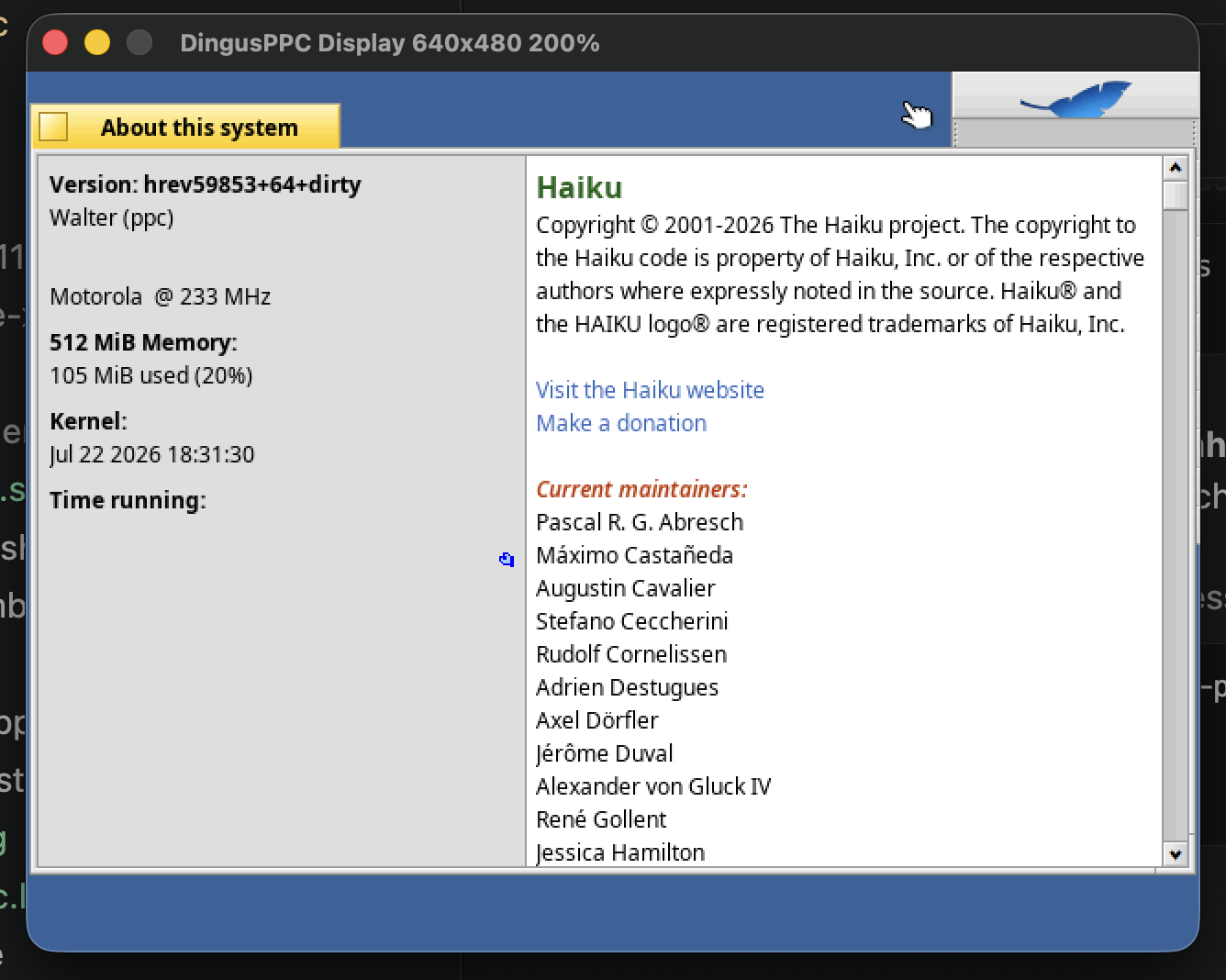
Unofficial Haiku ARM64 port by Enrico Pesce: boots stable under QEMU with 4 CPUs, includes kernel support for ARM GICv3.
It has never run on real hardware. If you have a Pi 5, a Rock 5B or any ARM64 board, boot it and report back. Serial logs welcome.
Bootstrap help also wanted: the image builds, the packages to build everything else do not.
The first independent distributions and spins based on Haiku OS are starting to pop up! 🚀
A cool example is SCHWARZPAUSE ("OS for Makers"):
💻 GitHub: https://github.com/Chrizlys/SCHWARZPAUSE
🎬 YouTube Video: https://youtu.be/c204YiqiQy8?is=kjzA-6jKqdehc41n
Great to see the Haiku ecosystem growing and diversifying.
#HaikuOS #OpenSource #SCHWARZPAUSE #AlternativeOS #Makers #Tech #OperatingSystem
Atomo123: a native spreadsheet for Haiku, written using only the system's own APIs.
Interface and Layout Kit for the UI, Translation Kit to open CSV/XLS/XLSX/ODS (BTranslatorRoster picks the right add-on by itself), vector HVIF icons, registers itself as Tracker's preferred app. No external dependencies.
The calculation engine comes from the old BeOS Sum-It, ported to 64-bit. The UI is written from scratch.
Still early stage.
https://forum.desktoponfire.com/d/43-atomo123/7
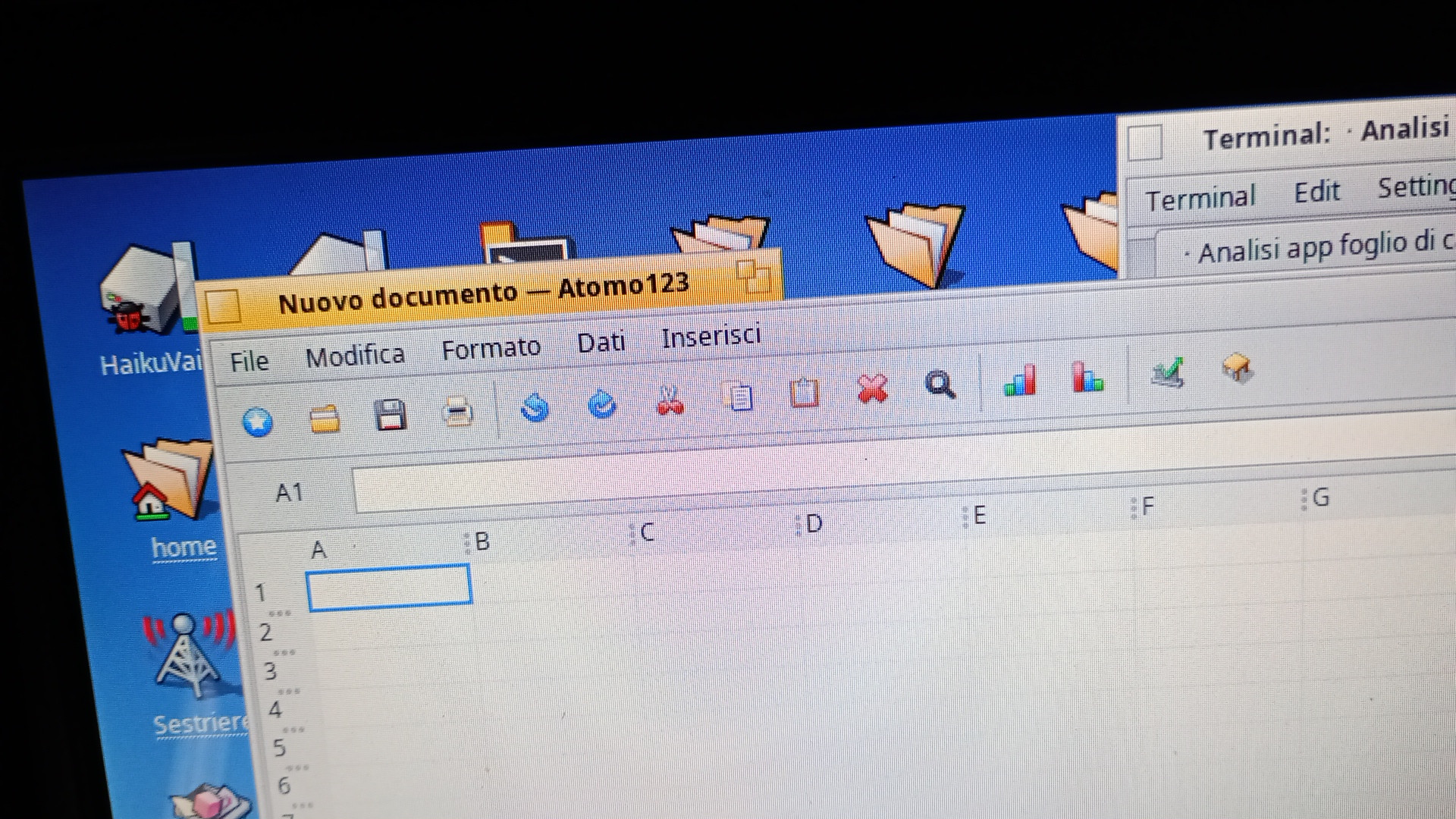
Alt...
Atomo123: a native spreadsheet for Haiku,
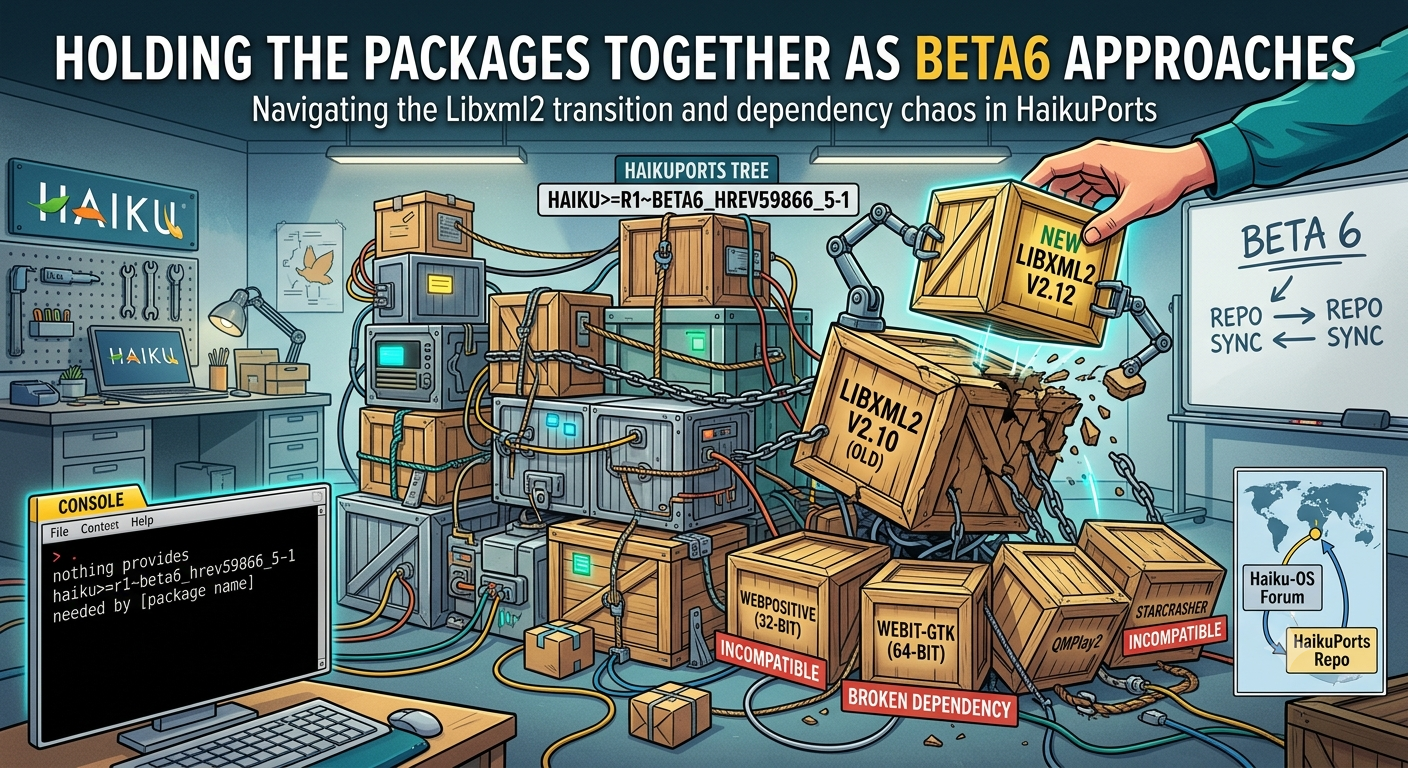
Haiku Beta 6 is right around the corner, but the transition to the new libxml2 is putting the HaikuPorts dependency tree to the test. 📦🛠️
Between packages needing a rebuild, WebPositive temporarily missing on 32-bit, and the tireless work of Begasus and the forum community tracking down broken dependencies—here is a look behind the scenes at the crucial maintenance work that keeps Haiku stable on release day.
https://www.desktoponfire.com/haikuos/934/holding-the-packages-together-as-beta6-approaches/
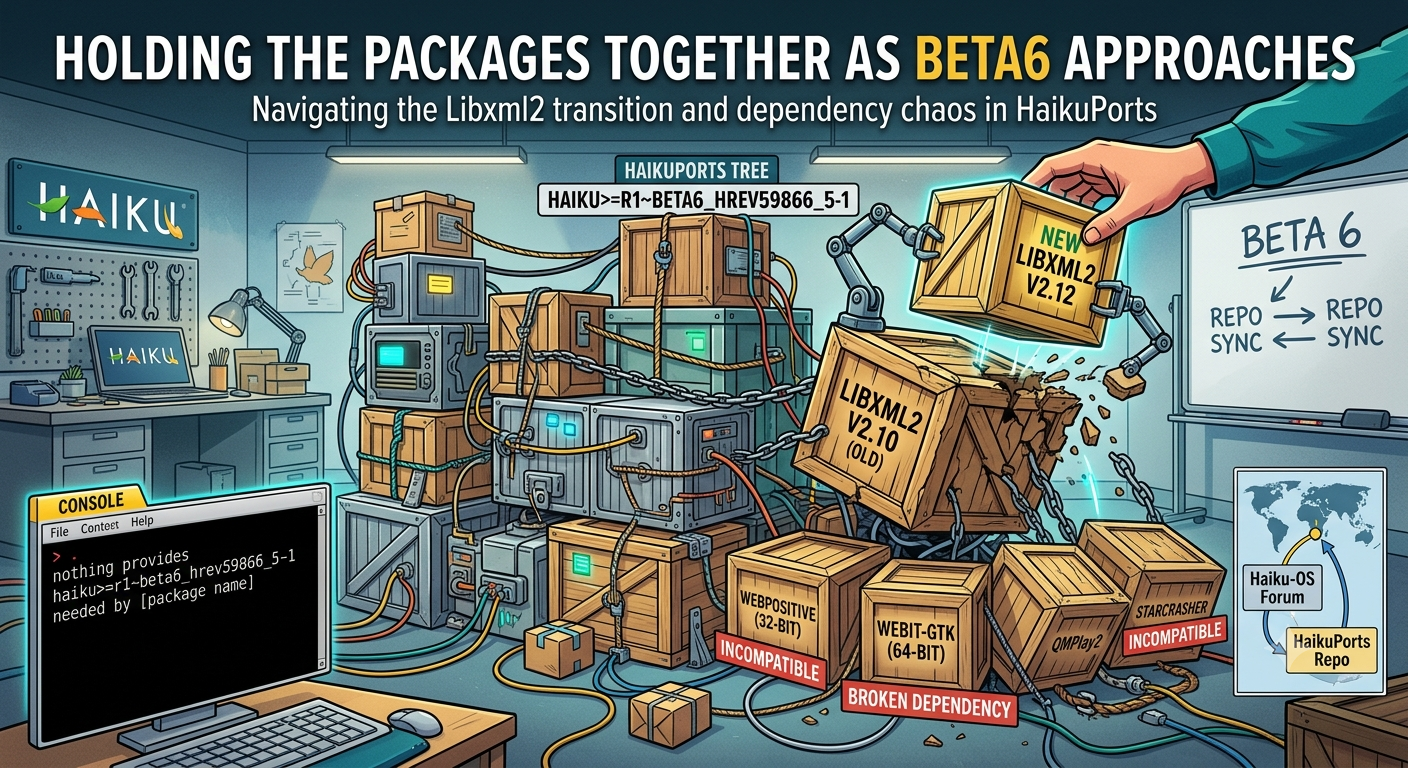
La Beta 6 di Haiku è alle porte, ma l'aggiornamento a libxml2 sta mettendo a dura prova l'albero delle dipendenze di HaikuPorts. 📦🛠️
Tra pacchetti da ricompilare, WebPositive temporaneamente 'assente' su 32-bit e il lavoro infaticabile di Begasus e della community sui forum per scovare le dipendenze rotte: ecco un dietro le quinte sul lavoro di manutenzione che rende stabile Haiku al giorno del rilascio.
📖 Leggi l'articolo completo:
https://www.desktoponfire.com/haikuos/934/holding-the-packages-together-as-beta6-approaches/
#HaikuOS #OpenSource #Linux #AltTech
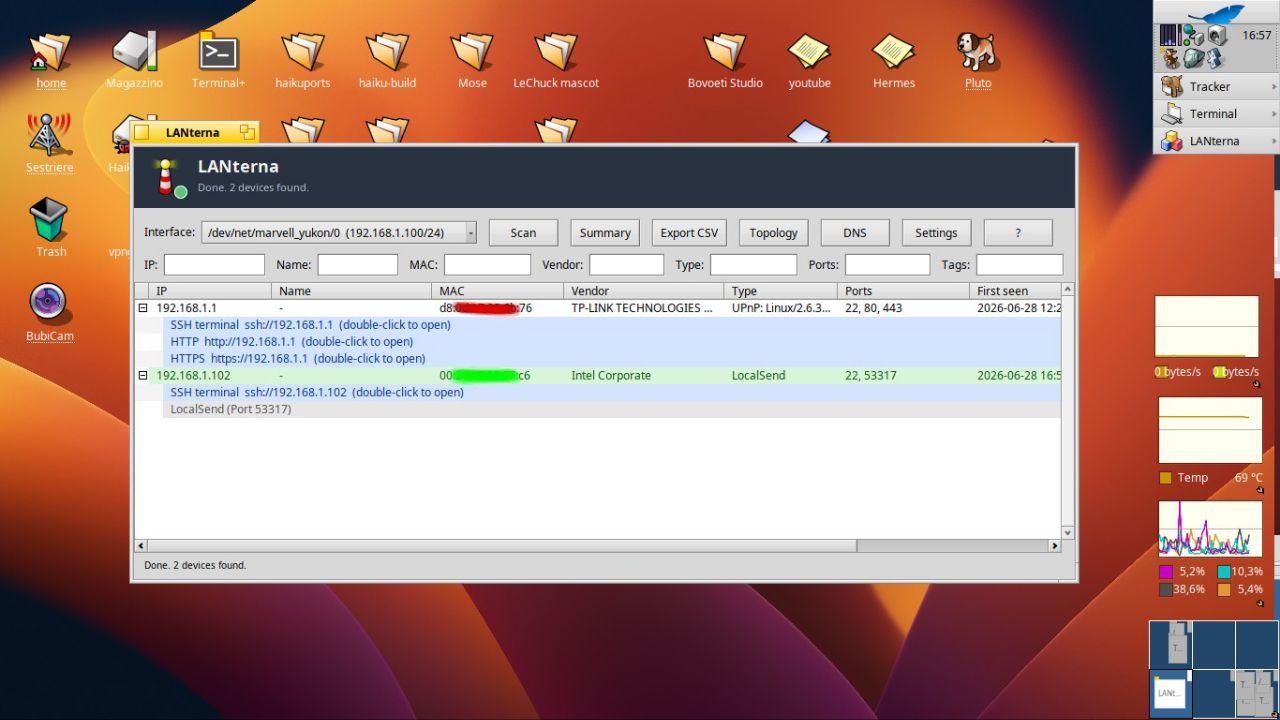
I'm working on LANterna, a native network scanner for Haiku: every device on your LAN at a glance, with IP, hostname, open ports, vendor and device type identified via ARP, mDNS, NetBIOS, SNMP and SSDP. No Qt, no sniffing, no cloud: just POSIX sockets and BeAPI. The portable core is done and tested, the native UI still needs testing on real #Haikuos. Feedback welcome! https://forum.desktoponfire.com/d/19-lanterna-native-network-scanner-for-haiku/5